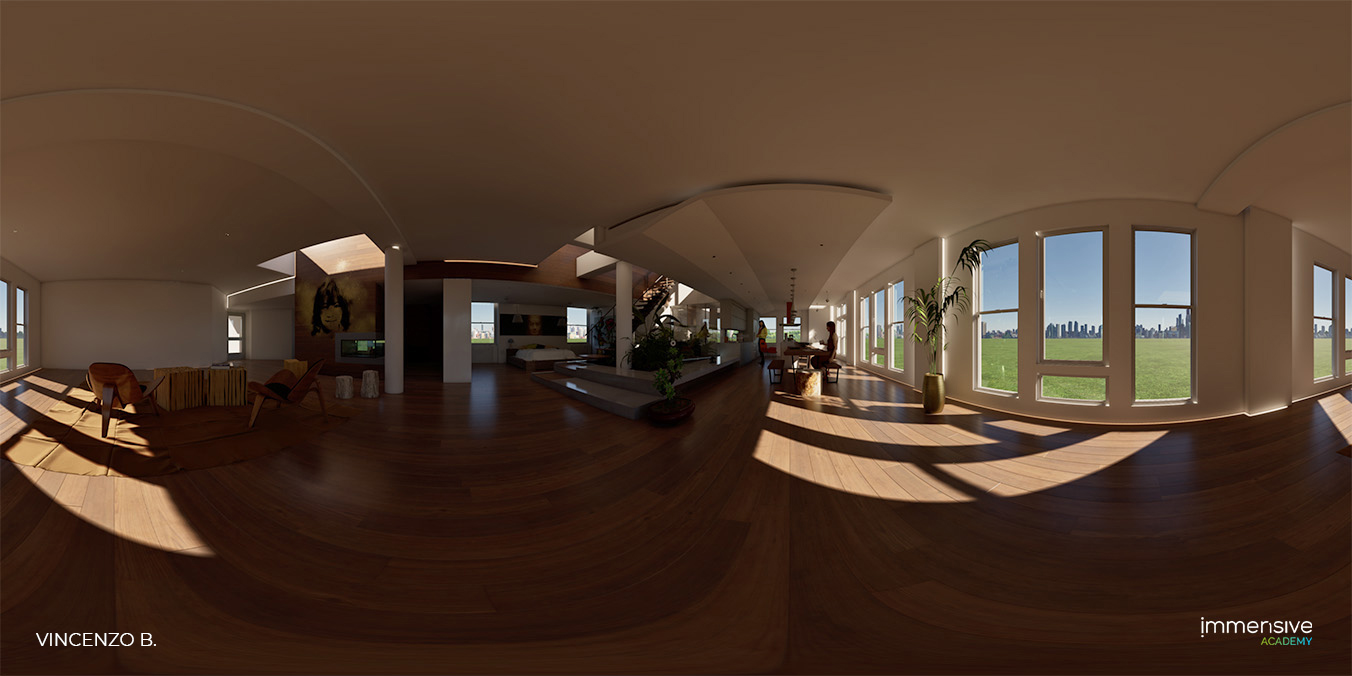
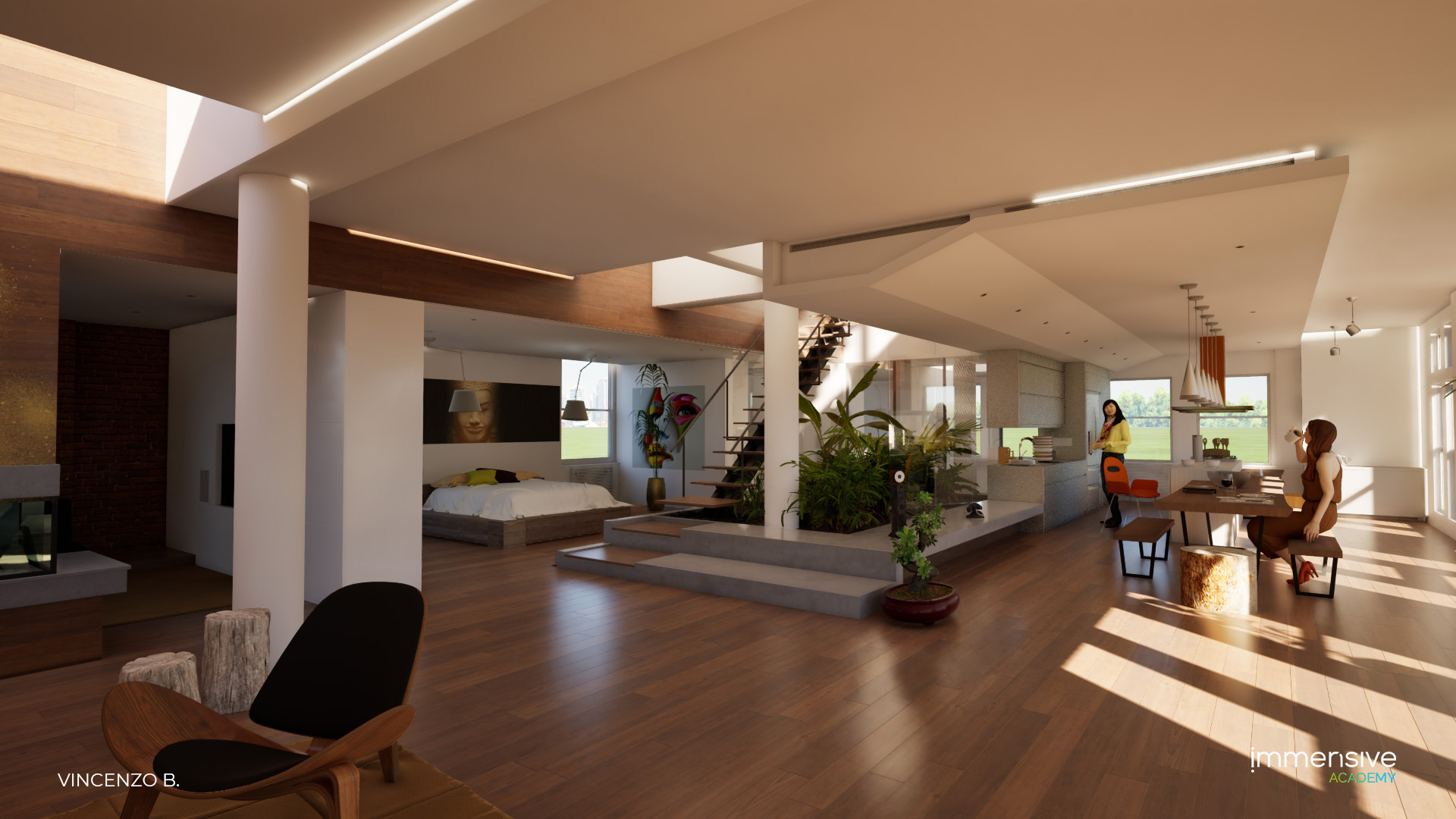
Course Overview
The "Twinmotion 2023" course aims to provide students with comprehensive tools for managing the software, which, in its 2023 version, offers revolutionary features that guarantee high-quality graphics. The course will cover both basic and advanced topics that cut across the software, from installation to the
creation of advanced content such as renders, animations, panoramas, and 360-degree images, which, if you have a VR device, will make the final presentations even more engaging and immersive.
The ultimate goal of the course is to educate students with knowledge that will allow them to acquire introductory, essential, and advanced skills to use the software independently.
Educational Objectives
The TWINMOTION 2023 course is structured to provide complete tools for using the program and enabling students to use the software independently.
The course includes intensive theoretical and practical lessons, through which students will be able to produce any work related to architectural visualization. The course provides the necessary skills to create a project from scratch starting with an imported model.
Program
- Introduction & Installation
- The Teacher
- Epic Launcher
- How to Install Twinmotion
- Hardware and Software Specifications
- Home Panel
- Home Templates
- Learning Section
- Social
- Open/new scene
- Hide/show home panel at startup
- Tm user interface
- Top bar
- The header
- La viewport
- Panels
- Footers
- Twinmotion preferences
- Intro twinmotion library
- The toolbar
- Lesson quiz
- Import models
- Overview templates
- Navigation velocity viewport
- Foundamental shortcut to viewport navigation
- Navigation based on favourite thirdy soft
- Navigation panel
- Hide/show nav panel
- Overview materials
- Apply material
- Glass material
- Manage other type of materials
- Exercise
- How to import fbx
- How to install datasmith on your thirdy part soft
- Path tracing
- Lesson quiz
- Library overview
- Twinmotion resource
- Other type of resource
- Work with library
- Favorite
- Material library
- Vegetation
- Objects
- Lights
- Hdri
- Interior
- Exterior
- Studio
- Characters
- Vehicle
- Megascans
- Sketchfab
- User library
- Exercise
- How to insert customizable object
- Insert megascan and sketchfab object
- Tools library
- Sections
- Probes
- Notes
- Measure
- Cycloramas
- Virtual production
- Animators
- Lesson quiz
- Populate overview
- Foliage
- Paint
- Scatter
- Paths
- Characters
- Bicycle
- Vehicle
- Custom
- Urban
- Streetmap
- Image and pano overview
- Export settings
- Videos overview
- How to create new part video
- Video mountage
- Part manager and keyframes
- Export settings
- Intro phases
- Lesson quiz
- Presentation
- How to create presentation?
- How to edit presentations?
- Local presentation
- Ui local presentation
- Exercise
- Lesson quiz
- Modern house
Delivery Methods
The course can be taken in person and online with the following methods
In-Person Courses
- The course will have a maximum of 6 participants for greater interaction between the instructor and the student
- Classroom lessons take place at the Immensive headquarters in Aversa near the Department of Architecture.
- During classroom lessons, participants can receive immediate feedback thanks to the constant tutoring of the teacher.
- Participants will be provided with:
- Notebook (Windows)
- Course-related software for practical exercises
- Participants will have the opportunity to use the tools and equipment available to test the latest VR technologies.
Online Courses
- Online lessons are conducted through the e-learning platform
- Lessons are held synchronously for effective interaction between instructors and students
- Participants must have:
- Computer (Windows or Mac)
- Internet connection
- Headphones/speakers
- Microphone
- Webcam (preferred but optional)
- For software application courses, it is preferable that the course software be installed for practical exercises.
Calendar
How to Enroll
To participate in Immensive Academy courses, the first step is to register on the platform. Subsequently, you can pre-enroll in the desired course (registration is free and non-binding). Once the course is confirmed, you can proceed with payment and access the lesson.

Register on the platform

Pre-enroll in the course al corso

Wait for course confirmation

Make the payment

Start the online or in-person lesson

1. Registrati alla piattaforma

2. Pre-iscriviti al corso

3. Attendi conferma confirmation

4. Effettua il payment

5. Avvio lezione or in-person lesson
Course Tutors
Our tutors are also professionals working in the integrated virtual reality and augmented reality solutions industry in various fields.
Prices
The most cost-effective way to learn from industry professionals, in a fun and collaborative environment, receiving personalized feedback from teachers and tutors.
Frequently Asked Questions
A: Yes, once, with a one-month gap.
A: In-person: No. Each student will be assigned a computer for use during lessons and lab work.
Online: Yes, each student must have a computer.
A: No, in-person courses are conducted exclusively in-person.
R: No. Il corso affronta esclusivamente la pipeline di renderizzazione a partire da un modello 3D fornito.